Import bulk videos from Google Drive folders
Build your knowledge base quickly without slow uploads
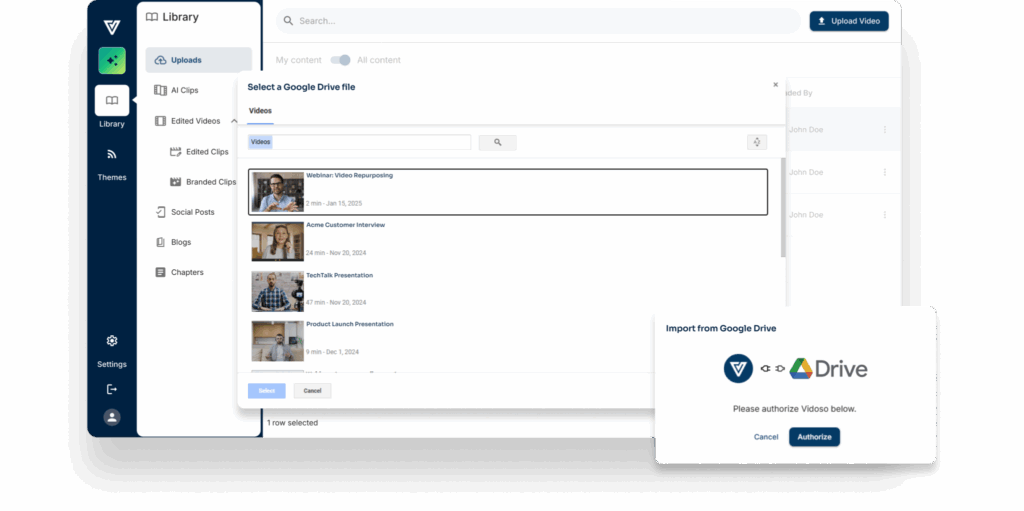
Import Google Drive videos in bulk
No more uploading and downloading video files. Connect Vidoso to your Google Drive account, find the recorded webinars, meetings and interviews and add videos with one click. Vidoso will then repurpose recordings into clips and content automatically.
Trusted by top B2B marketing teams.
Custom clips & reels from prompts
AskClip allows you to enter plain language prompts to get the videos you want clipped
- Highlights
- Montages
- Reels
- Chapters
Discover clips by themes
- Centralize all your clips and content in a searchable library
- AI organizes your clips by themes, so you can reuse them faster
Al-Generated Smart Clips
- Pre-generated, messaging-aware short clips in multiple durations
- Clip are scored on narrative quality, story potential, speaker energy and more
AI Studio formats clips for social
AI Studio applies smart camera angles, zooming in on the active speaker and adapts video formats to fit your needs, like portrait mode for mobile viewing
- Create templates with your brand and caption styles, logos, intros and outros, lower thirds, and social layouts
- Content team can easily apply templates to brand the clips
Brand & style with a few clicks
- Create templates with your brand and caption styles, logos, intros and outros, lower thirds, and social layouts
- Content team can easily apply templates to brand the clips
Repurpose recordings into multi-modal content
Amplify your content production efficiencies with Vidoso’s pre-built content recipes and your writing styles that turn recorded conversations into derivative content pieces
- Social posts
- Blogs, Recaps
- E-books, Guides
- Quotes, Q&A
- FUPs, Emails, Sequences
Ask mode: Extract anything from videos
Use Ask-mode and free prompting to interact with any video or clip to extract the gold buried within. Ask-mode indexes your entire video library to give you what you want
- Soundbites
- Q&A
- Sales collateral
- Summaries
Collections organize all your video content
- Generate content based on context of entire playlist
- Campaign organization
- Custom playlists
- Persona-based sorting
- One-click sharing
Automate social publishing
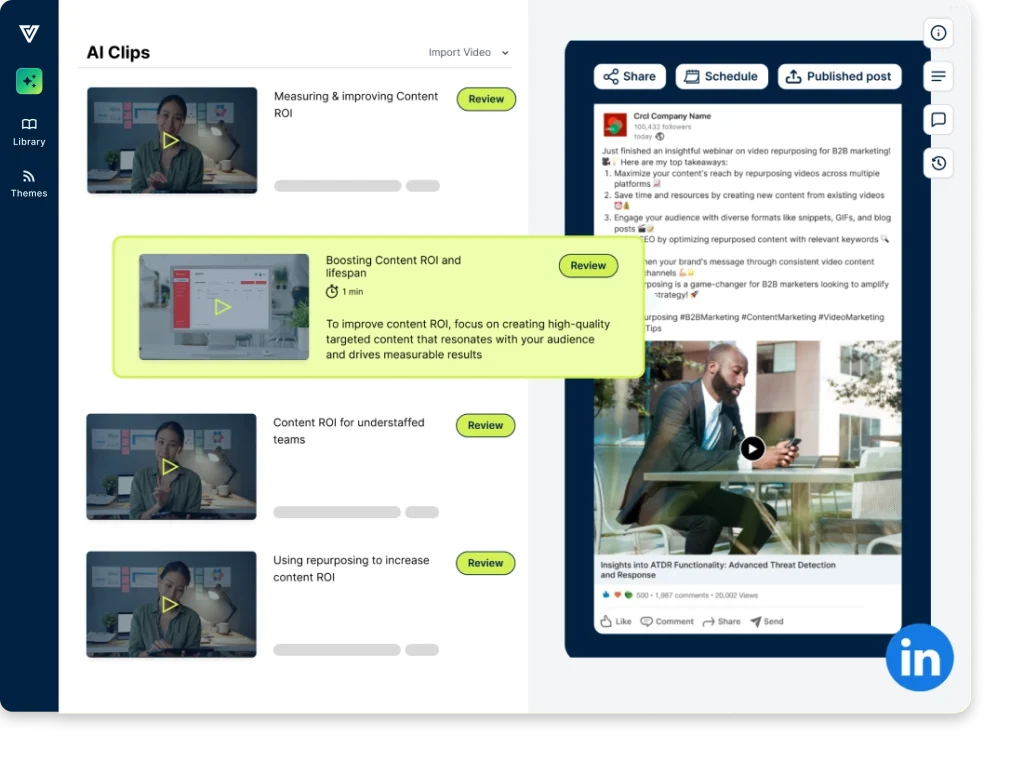
- Set your channel policies. Find the best clips formatted for each channel with pre-written social posts that you can review, edit and publish
- Use content feed for LinkedIn, YouTube, blogs, SEO, and other channels
Save time and reduce costs
5X
more video clips
30%
reduced costs
<1 hour
content turnaround
5 hours
saved per week
Opsera boosts engagement by 67% on social posts
Jimena Villareal
Social Media Marketing Manager at Opsera
SmartRecruiters created 5X more videos with Vidoso’s AI clips
Amanda
Media Relations and Brand Engagement at SmartRecruiters
IXOPAY uses Vidoso to cut video editing time by 80%
Paige Louhis
Events Marketing Manager at IXOPAY
GoLinks boosts event engagement with same-day video highlights, social posts, and blogs
Brandon Most
Head of Marketing at GoLinks
See Vidoso in action.
From a brief to 100s of brand-aligned, personalized assets in minutes
Trusted by top marketing teams.